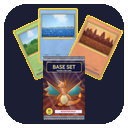
Getting started
Cobblemon: TCG adds trading cards to Cobblemon. You get booster packs by playing, open them, and collect the cards in a binder.
Install
- Install Fabric with Fabric API, or NeoForge, for Minecraft 1.21.1.
- Install Cobblemon 1.8.1 or newer. It is required: the game will not start without it.
- Put the Cobblemon: TCG jar in your
modsfolder. CoolerConfig, used for the config files, is bundled.
Your first pack
There are three ways to get packs in survival:
- Catch Pokémon. Every catch has a small chance to give a pack, the first catch of a species a bigger one, and every shiny catch gives one. Levelling your Pokémon and filling the Pokédex give packs too. See Pokémon rewards.
- Buy them from a Card Dealer. Any unemployed villager next to a Card Dealer Table becomes one, and sells packs for 5 emeralds. See Card Dealer & traders.
- Wandering traders sometimes have a pack for 8 emeralds.

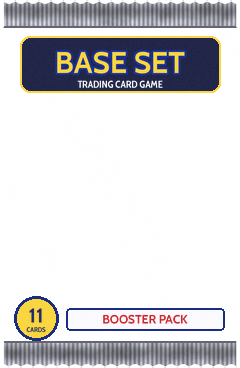

Opening it
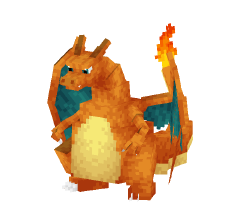
Right-click the pack. It tears open and deals the cards face down. Swipe each card away (drag it, click it, or press Space, Enter or the arrow keys) to reveal the next one. Commons come first and the rare comes last, with a burst of light and a sound if it is a holo. Then you get a summary of every pull.
The cards are put in your inventory the moment the pack opens, so closing the animation early never loses anything. See Booster packs for what a pack holds.
Keep your collection
Craft a Card Binder to store up to 216 card stacks, nine to a page.

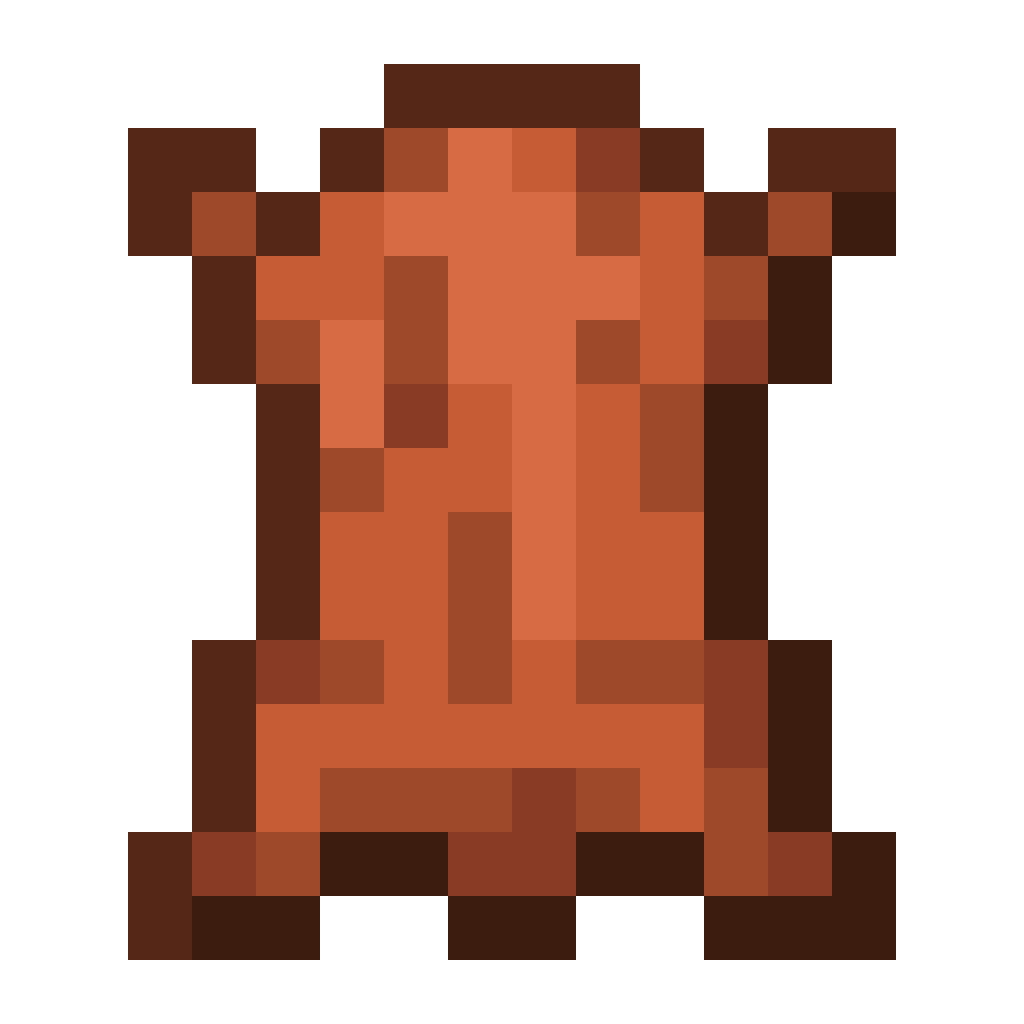

 Card Binder
See Card Binder.
Where to go next
- Sets: every card of every set, with their attacks and how often they show up
- Cards: the parts of a card, holo prints and the Cobblemon art
- Configuration: change the holo rate, prices and reward limits
- Datapacks: add your own sets and reward rules